
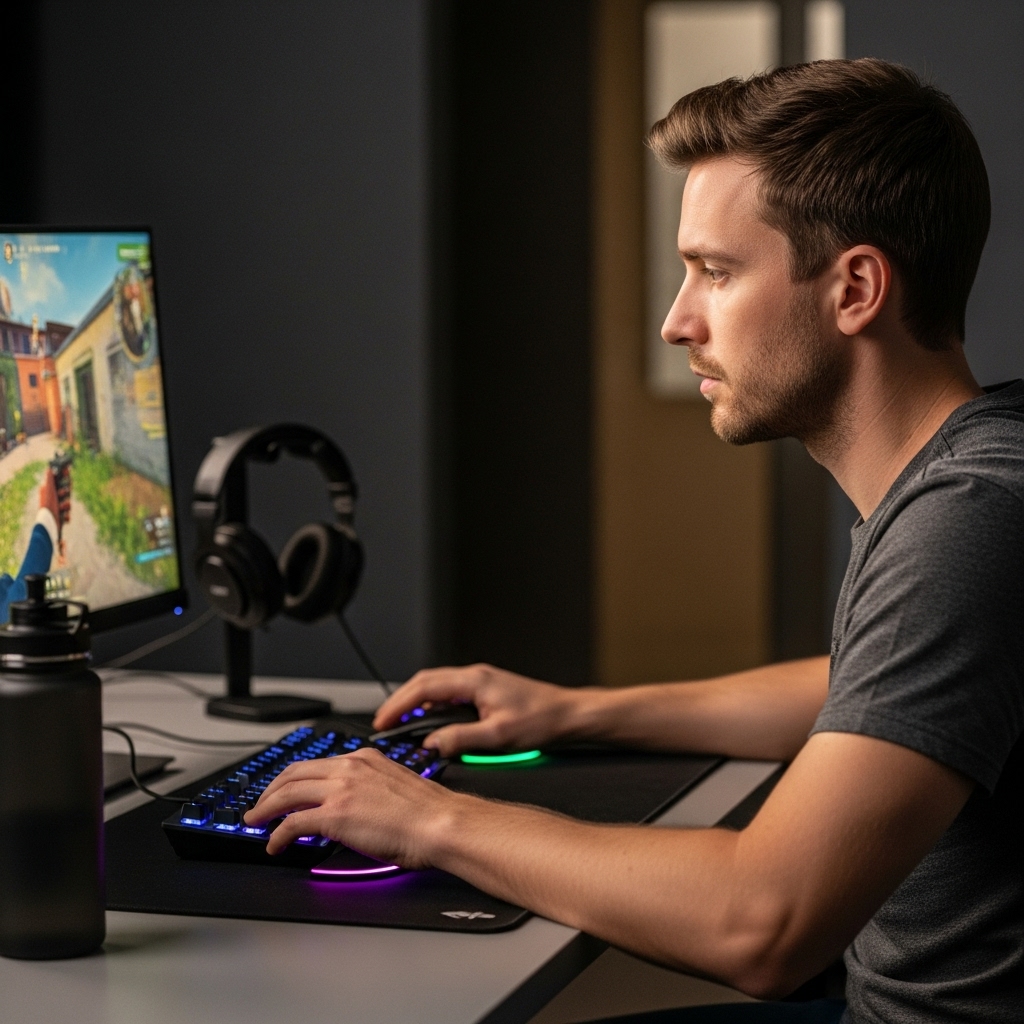

Building a Practical Mobile Computing Setup
Balancing daily computing performance with extreme portability often forces buyers to make compromises on screen space, port selection, and built-in audio. A compact mobile computer delivers excellent flexibility for classes, office work, and remote travel, but slim chassis designs frequently cut back on peripheral connectivity and sound quality. Exploring the best laptop pc options and complementary accessories helps you establish a capable workstation without carrying unnecessary weight. Upgrading to a versatile mobile setup allows students and remote professionals to handle web-based productivity, video streaming, and document editing seamlessly while leaving room for desk-friendly expansions.
Modern portable computing relies heavily on having the right hardware ecosystem to support daily workflow demands. A lightweight system like the Lenovo Flagship Chromebook offers an 8-core MediaTek Kompanio 520 processor, 4GB RAM, and a 14-inch Full HD touchscreen for energy-efficient cloud tasks. Paired with functional add-ons like secondary portable displays, multi-port USB hubs, and dedicated USB-powered soundbars, a basic laptop transforms into an adaptable everyday command center. If you want to compare mobile machines across different form factors, checking our guide to popular gaming laptops or exploring large screen performance options provides helpful perspective on how hardware specifications match up with workload requirements.

Pros
- Compact, space-saving design ideal for small desks or multi-monitor gaming setups.
- Touch-controlled RGB lighting adds style without complicated software or extra cables.
- Clear, distortion-free sound at low volume, suitable for casual gaming, videos, and voice calls.
- Simple plug-and-play installation with USB-C adapter included for modern laptops.
- Affordable price point for budget-conscious gamers or streamers looking to upgrade audio.
Cons
- Limited bass response – not ideal for immersive action games or bass-heavy music genres.
- 3.5mm audio cable required – no Bluetooth or wireless connectivity for clutter-free setups.
- Touch light control lacks customization options (no colors or patterns) compared to premium RGB speakers.
The LENRUE G11 computer speakers are a compact, budget-friendly audio solution designed for desktop gamers, streamers, and casual PC users who want to add a touch of RGB flair without breaking the bank. These speakers combine a slim profile with touch-activated lights and surge stereo sound, making them a practical choice for anyone looking to upgrade their gaming setup or home office audio.
Best suited for PC gamers, casual gamers, streamers, and RGB setup enthusiasts, the G11 offers a straightforward plug-and-play experience. With a USB-C or USB-A power connection and a standard 3.5mm audio jack, compatibility is wide – from Windows PCs to MacBooks and Chromebooks. The compact design sits neatly under most monitors, helping to keep your desk tidy while delivering clear audio for dialogue, game soundtracks, and occasional multiplayer sessions.
In terms of performance, the G11 uses four amplifier horns to produce distortion-free sound at moderate volumes. While it won't shake the room with deep bass, it provides clear mids and highs suitable for esports titles like Valorant or Overwatch, where footstep clarity matters. The touch-sensitive RGB light adds a subtle glow to your setup, controlled by a single tap on the top panel – no app required. For streamers, these speakers are adequate for monitoring audio during streams or Discord calls, though a dedicated headset is better for precise audio.
Build quality is decent for the price. The plastic enclosure feels lightweight but sturdy enough for daily use. The cables are glued together to reduce clutter, which is a thoughtful touch for cable management. The top volume knob is easy to reach and turn, though it lacks a mute button. The touch light control is responsive, but the lighting is fixed to a single color pattern – no RGB customization beyond on/off.
Setup is as simple as it gets: plug the USB cable into a power source, connect the 3.5mm audio cable to your device, and you're ready to go. No drivers, no software, no fuss. Cleaning is easy with a dry cloth, and the compact size means they won't collect much dust. One limitation is the lack of Bluetooth or wireless connectivity, so cable management is necessary to keep your desk tidy. Also, the speakers are designed for near-field listening – they won't fill a large room with sound.
Overall, the LENRUE G11 is a practical, affordable upgrade for budget-conscious gamers and streamers who want better audio than built-in laptop speakers without spending a lot. They're a great fit for dorm rooms, home offices, or compact gaming setups where space is premium. If you need deep bass or wireless freedom, look elsewhere, but for everyday gaming, video watching, and voice calls, these speakers deliver solid value.
The LENRUE G11 speakers feature four amplifier horns that provide surge stereo sound with minimal distortion at low to moderate volumes. The audio profile is clear in the mids and highs, making dialogue and in-game footsteps easy to hear. However, bass response is limited – don't expect deep thumping for explosion-heavy games or EDM. For casual gaming, YouTube videos, and voice calls, the sound is perfectly adequate. At higher volumes, some distortion may creep in, so they're best used within a few feet of your ears.
The touch-activated angular game lights are a standout feature at this price point. A single tap on the top of the speaker toggles the lights on and off – no app or remote required. The lighting is a fixed color pattern (likely a multicolor cycling effect), so you can't change colors or brightness. While not as customizable as more expensive RGB speakers, the glow adds a nice ambient touch to any gaming setup, especially under the monitor.
These speakers are designed to save space. Measuring just 2.48 x 14.96 x 2.55 inches, they fit neatly under most monitors, keeping your desk surface free. The cables are glued together to reduce tangling, and the included USB-C adapter ensures compatibility with modern laptops. The top-mounted volume knob is easy to reach, and the compact footprint means you can place them without blocking your screen or keyboard. Ideal for minimalists and gamers with limited desk real estate.

Pros
- Affordable price point for adding extra USB ports
- Compact size fits easily into a laptop bag or desk drawer
- Reliable data transfer speeds up to 5Gbps for everyday use
- LED indicator clearly shows when the hub is powered and working
Cons
- USB-C port is for power input only, not data transfer or charging other devices
- 2ft cable may be too short for some desktop setups, requiring the hub to sit close to the computer
- Plastic housing may not feel as premium as metal alternatives, but it keeps weight low
The Acer USB Hub 4 Ports is a straightforward USB 3.0 splitter that brings four additional ports to any laptop, PC, or gaming console. For PC gamers and streamers who constantly juggle a mouse, keyboard, headset, flash drive, or external hard drive, this hub offers a simple solution to keep everything connected without constantly swapping cables. At just $9.99, it's an easy add-on for anyone building a gaming setup or upgrading their desk organization.
Performance-wise, the hub supports USB 3.0 speeds up to 5Gbps, which is plenty fast for transferring game files, streaming clips, or moving photos. The built-in GL3510 chip helps manage heat and data integrity, so you can rely on it during long gaming sessions or while streaming on Twitch. Just keep in mind that if you're connecting power-hungry devices like a 2.5-inch external hard drive, you'll need to use the USB-C power port (labeled IN 5V) to keep the hub stable. That port is for power input only, not for data or charging other gadgets.
The design is compact and portable, measuring just over 4 inches long and weighing about 0.1 pounds. The 2ft cable is short, which is fine for laptop users or if your PC tower is close by, but it might not reach across a large desk. The LED light is a nice touch, letting you know at a glance if the hub is active. Build quality is basic plastic, but it feels sturdy enough for everyday use and won't add clutter to your gaming space.
Setup couldn't be easier: it's plug-and-play with no drivers required on Windows, macOS, ChromeOS, or Linux. That means you can plug it into your gaming rig, laptop, or even a PS4 or Xbox to expand your USB options instantly. For college gamers or anyone with a tight desk setup, this hub helps manage cables by consolidating multiple connections into one spot.
One realistic limitation is the short cable length, which might require the hub to sit right next to your computer. Also, the USB-C port is strictly for powering the hub, so don't expect it to charge your phone or transfer data. These are minor trade-offs for such an affordable accessory.
Overall, the Acer USB 3.0 Hub is a solid choice for PC gamers, streamers, and anyone who needs extra USB ports without breaking the bank. It's especially handy for laptop gamers who want to quickly connect peripherals at a LAN party or in a dorm room. If you're looking for a no-fuss way to expand your connectivity, this hub delivers reliable performance at a great price.


Pros
- Sharp 1080P IPS display with good color accuracy and wide viewing angles
- Plug-and-play USB-C connectivity works with many devices without extra drivers
- Lightweight and thin for easy portability to LAN parties or dorm rooms
- Included smart cover is practical for protection and stand use
- Multiple connectivity options (USB-C, HDMI) support various gaming platforms
Cons
- Requires USB-C DP Alt Mode or Thunderbolt 3 for single-cable operation, limiting compatibility with older devices
- Built-in speakers may lack depth for immersive gaming audio
- Matte screen can reduce contrast in bright environments compared to glossy panels
The MNN Portable Monitor is a 15.6-inch Full HD 1080P IPS display designed for PC gamers, streamers, content creators, and anyone who needs a second screen for their gaming setup. This ultra-slim external monitor connects via USB-C or HDMI, making it versatile for use with laptops, PCs, phones, and consoles like the PS5, Xbox, and Nintendo Switch. Its lightweight build and included smart cover make it a practical choice for gamers who want to extend their desktop or take their gaming on the go.
In terms of performance, the 1080P resolution and IPS panel deliver clear visuals with decent color accuracy and 178-degree viewing angles. The matte screen helps reduce glare and blue light, which is a nice touch for long gaming sessions or late-night streaming. While the 60Hz refresh rate is standard for portable monitors, it works well for strategy games, casual gaming, or as a secondary screen for Discord, chat, or productivity tasks during competitive play. The HDR mode adds a bit more pop to colors and contrast, though it's not a replacement for a high-end gaming monitor.
Build quality feels solid for its price range, with a slim profile that measures just 0.3 inches thick and weighs 1.53 pounds. The smart cover is made of durable PU leather and doubles as a stand, offering protection during travel and flexible orientation options (landscape or portrait). This is especially useful for streamers who want to manage chat or OBS on a vertical screen. The dual USB-C ports support plug-and-play connectivity, but note that your device must support USB-C DP Alt Mode or Thunderbolt 3 for single-cable operation. If not, you'll need to use the included USB-C cable for power and HDMI for video.
Setting up the MNN monitor is straightforward: just connect it to your laptop, PC, or phone, and it works as an extended or mirrored display. The multiple display modes (copy, extend, second screen, portrait) give you flexibility for different tasks, whether you're gaming, working, or creating content. The built-in speakers are adequate for basic audio, but most gamers will prefer using a gaming headset or external speakers for better sound quality. Cable management is simple thanks to the compact design, and the monitor requires minimal maintenance beyond occasional screen cleaning.
One realistic limitation is that the 60Hz refresh rate and 5ms response time (typical for portable monitors) won't satisfy competitive esports players who need high refresh rates for fast-paced FPS games. Additionally, the single-cable USB-C convenience depends on your device's compatibility, so check your laptop or phone specs before buying. The speakers are also basic, so don't expect rich audio for movies or games.
Overall, the MNN Portable Monitor is a solid choice for PC gamers, streamers, and gaming setup builders who want an affordable, portable second screen for multitasking, travel, or casual gaming. It works well as a companion for laptops in dorm rooms, home offices, or on the go. If you need a high-refresh-rate gaming monitor for competitive play, look elsewhere, but for general productivity and light gaming, this is a practical and budget-friendly option.

Frequently Asked Questions
What should you look for when selecting a budget laptop PC?
Installed memory, processor efficiency, and display quality are the primary specifications to evaluate on an entry-level laptop PC. Configurations with at least 4GB of RAM and an energy-efficient multi-core processor handle web applications, video calls, and basic media streaming smoothly. Full HD displays offer clearer text for study sessions and office work compared to lower-resolution panels. For users planning heavier processing workloads or high-end entertainment, checking laptops with advanced graphics switching shows how dedicated graphics hardware differs from integrated processing.
Is Chrome OS suitable for everyday laptop PC tasks in 2026?
Yes, Chrome OS handles standard cloud-based tasks, browser-driven workflows, and everyday web applications efficiently. The lightweight operating system runs smoothly on moderate hardware like eMMC storage and 4GB RAM. Chrome OS integrates built-in security, automatic updates, and cloud backups for student or business needs. Buyers needing native Windows desktop software or specialized offline tools should verify software compatibility before selecting a Chrome OS machine.
How does adding a portable monitor improve a mobile workstation?
A portable monitor provides secondary screen real estate without locking you to a permanent desk setup. Connecting a 15.6-inch Full HD display over USB-C allows you to reference documents, manage video conferences, or multitask more effectively. Models featuring IPS panels and HDR support offer wide viewing angles and balanced color representation for travel or home office use. Ensure your host laptop supports DisplayPort Alt-Mode over USB-C or use standard HDMI connections.
Why are USB hubs necessary for modern slim laptops?
Ultra-slim laptops often reduce physical port counts to maintain thin dimensions and lightweight portability. A multi-port USB 3.0 splitter extends a single port to support flash drives, keyboards, wired mice, and external peripherals simultaneously. Data transfer speeds up to 5Gbps keep file management quick while preventing device clutter. For high-drain devices such as external hard drives, powered hubs ensure consistent data transmission.
Can compact external speakers noticeably improve laptop audio?
Yes, dedicated external stereo speakers typically deliver fuller sound and clearer vocal separation than tiny built-in laptop drivers. USB-powered soundbars and desktop speaker sets utilize larger acoustic chambers and dedicated bass radiators to reduce distortion at higher volumes. Easy plug-and-play USB connectivity eliminates the need for manual driver installations. Compact form factors fit neatly under monitors or clip directly onto screens to preserve desk space.






Write Your Review
No reviews yet. Be the first to share your experience!