


Selecting the Right Seating for Extended Play
A cramped workstation or rigid seat can turn an exciting marathon into an uncomfortable grind before the match wraps up. Matching seat dimensions and armrest height to your desk setup prevents awkward posture and keeps your elbows level. The best gaming desk chairs balance adjustable components with supportive cushioning so you don’t feel stiff during long gaming sessions or work shifts. Whether you pair your seat with a pre-built gaming PC or a dual-screen setup, proper dimensions make daily sitting far more manageable.
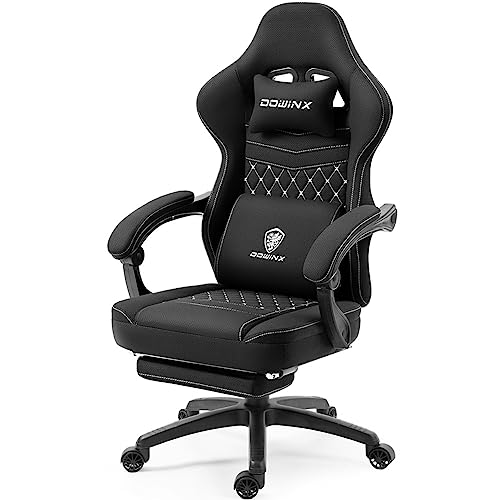
Modern options provide diverse builds, from breathable mesh backs to plush PU leather recliners with extendable footrests. Key structural details like dense foam cushions, inner pocket springs, and reinforced steel frames separate basic budget models from heavy-duty choices rated up to 400 pounds. You’ll want to check stated weight capacity, recline tension, and smooth-rolling casters before deciding. Pairing a solid chair with a responsive best PC keyboard gives you a clean, reliable workspace that fits your daily routine.



Frequently Asked Questions
How do pocket spring cushions compare to standard foam seats in gaming chairs?
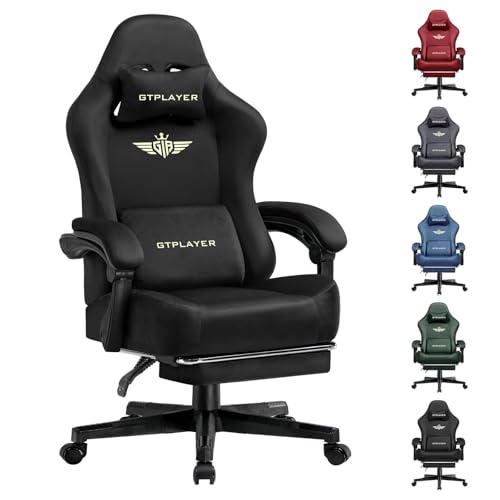
Pocket spring cushions use individually wrapped coils beneath foam to distribute weight evenly and resist flattening. Models like the GTPLAYER Big and Tall Gaming Chair 400lbs Heavy incorporate these springs for responsive bounce. Traditional foam provides uniform firmness, but pocket spring construction delivers segmented support across extended sitting sessions.
What are the main differences between 3D armrests and flip-up armrests?
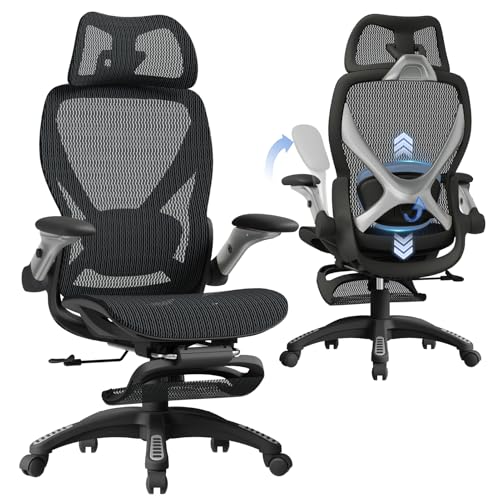
3D armrests adjust in height, slide front to back, and pivot sideways to support your forearms at specific angles. Flip-up armrests, featured on the Sweetcrispy Computer Gaming Desk Chair, rotate upright so you can tuck the chair under a desk or sit cross-legged. Your decision rests on whether you need targeted forearm support or extra room clearance.
What weight capacity should you look for when selecting a gaming desk chair?
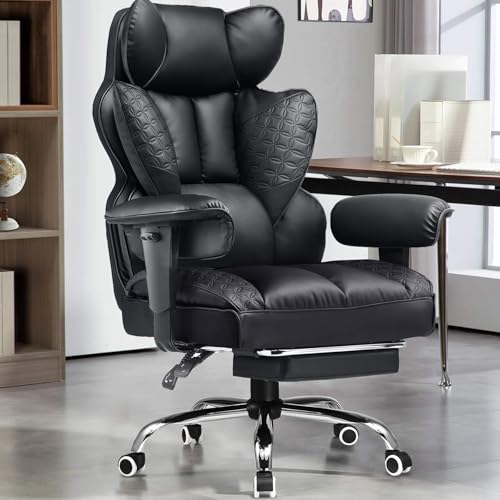
Stated weight limits range from 275 pounds on compact task chairs up to 400 pounds on heavy-duty frames. Chairs like the COMHOMA Big and Tall Office Chair Heavy Duty Wide feature reinforced metal bases and sturdy gas lifts designed for larger frames. Selecting a chair with ample capacity helps maintain stability during daily reclining and swivel movements.
How far do gaming desk chairs typically recline?
Most gaming chairs recline between 90 degrees upright and 120 to 145 degrees for resting. The Marsail Ergonomic Office Chair offers a 90 to 120-degree recline range, while the COMHOMA Big and Tall reclines up to 145 degrees alongside a pull-out footrest. Adjustable tension knobs also let you control rocking resistance to suit your preferred posture.
Should you select a breathable mesh backrest or PU leather upholstery?
Breathable mesh backrests, like the one on the Marsail Ergonomic Office Chair, maintain airflow to keep your back cool in warm rooms. PU leather upholstery, used on several GTPLAYER models, resists minor spills and wipes clean quickly with a cloth. Mesh excels at temperature regulation, while faux leather offers a padded, enclosed feel.
How do you verify whether a gaming desk chair fits your workstation?
Check the seat height adjustment range and base diameter against your desk’s underside clearance. Chairs with an 18 to 22-inch height range slide under standard desks when armrests are lowered or flipped up. If you arrange your setup around a best cheap PC monitor, measuring clearance prevents unexpected spacing conflicts.



Write Your Review
No reviews yet. Be the first to share your experience!