


Matching Desk Dimensions and Seating Support
Squeezing a wide chair under a compact desk often leads to scratched armrests and cramped legroom. Getting the right proportions between your tabletop surface and seating height matters just as much as cushion density during long work and gaming hours. If you want a cohesive setup without second-guessing clearances, landing on the best gaming chair and desk combo can save you hours of trial and error. Some setups bundle a desk and chair together, while pairing a standalone ergonomic seat with a spacious desk lets you customize your gear. You can check our guide on what are the best gaming chairs to see how individual seat dimensions compare before ordering.
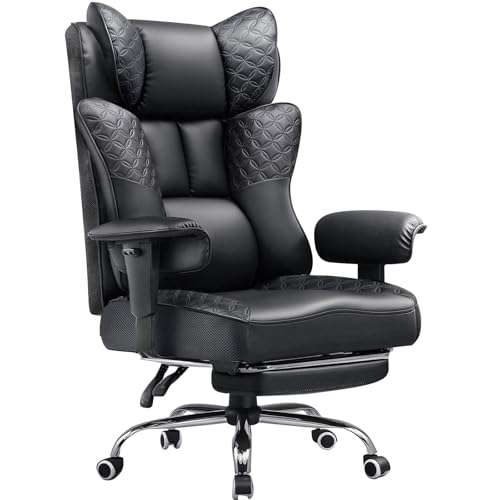
Physical dimensions define how well your setup performs in daily use. A gaming desk requires adequate surface depth for your gear, while the paired chair needs proper armrest adjustability to slide neatly under the desktop. Features like pocket spring cushions, high backrests, and retractable footrests support different sitting positions throughout the day. Reviewing our guide on gaming chairs for back support can help you evaluate integrated lumbar structures. Always verify stated weight capacities and seat-height adjustment ranges to ensure everything matches your physical build.




Frequently Asked Questions
What should you check when selecting the Best Gaming Chair And Desk Combo of 2026?
Start by verifying the height clearance between the desk underside and the chair armrests. The desk needs enough surface area for your monitor setup, while the chair must offer seat-height adjustments to align comfortably with the tabletop. You should also check the stated chair weight capacity and the desk frame materials to ensure stable daily use.
Are bundled desk and chair sets better than buying separately?
Bundles provide matched styling and guaranteed desk clearance right out of the box. Buying separately, however, gives you freedom to pick specific ergonomic features like pocket spring cushions or 3D armrests. Your choice depends on whether you prefer streamlined assembly or tailored component adjustments.
How do flip-up armrests help with desk clearance?
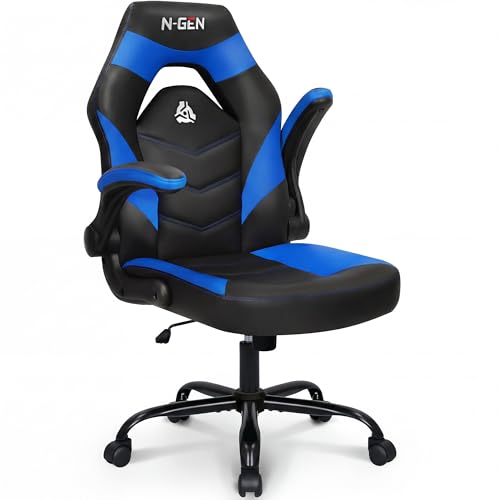
Flip-up armrests rotate vertically out of the way so you can push your chair completely under the desk surface. This design saves floor space in tight rooms and avoids collisions with desk edges. Adding compact gaming desk accessories can further optimize your available workspace.
What is the advantage of pocket spring seat cushions?
Pocket springs distribute body weight across individual coils rather than compressing a single foam block. This structure prevents premature cushion sagging and maintains resilient support over long gaming or work shifts. When paired with high-density foam, it provides steady pressure distribution across the seat base.
How much room clearance does a reclining gaming chair need?
Most gaming chairs require roughly 28 to 30 inches of base diameter to swivel freely. If your model features a 135-degree or 180-degree recline with an extendable footrest, you will need at least 40 inches of clearance behind the desk. Mounting gaming monitor light bars can also help free up surface depth on smaller desks.







Write Your Review
No reviews yet. Be the first to share your experience!