


Selecting the Right Simulation and Gaming Seating
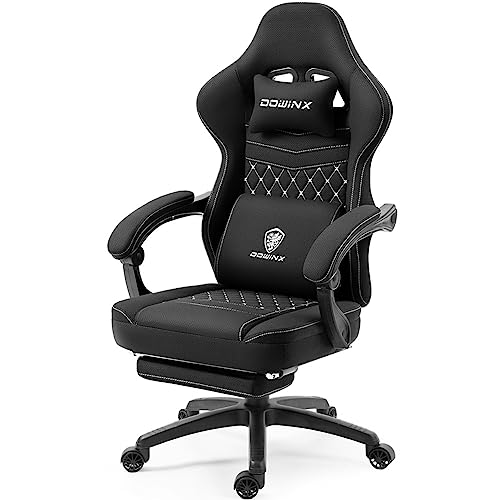
Rigid pedals and heavy force-feedback wheels demand a stable seat that will not slide backward during intense driving maneuvers. Standard desk chairs roll easily across floorboards, which creates frustrating pedal travel unless your wheel stand includes caster slots or dedicated frame anchors. Identifying the best gaming simulator chair setup often depends on whether you want a dedicated cockpit frame, an attachable stand with wheel-locking channels, or a reclining PC seat with integrated leg support. Models like the Anman X56 Cockpit combine fixed frame slots with high-back seating, while standalone stands let you clamp your existing seat securely in place.
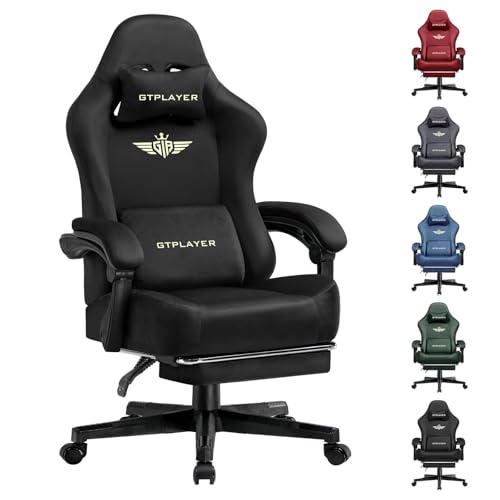
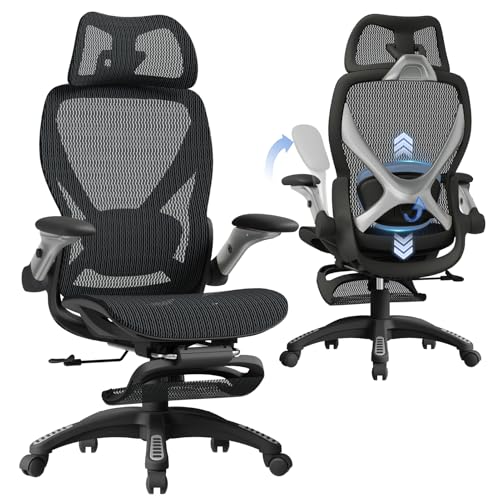
Space constraints also play a major role when arranging flight throttles, direct-drive wheels, and multi-angle rudder pedals. Compact setups benefit from foldable brackets with pre-drilled plates, while full cockpits require dedicated floor space and stable steel frames. If you switch between flight simulators and standard keyboard tasks, hybrid options or budget-friendly ergonomic gaming chairs with retractable footrests provide flexibility without demanding permanent floor fixtures. Evaluating dimensions, frame thickness, and seat adjustments ensures your simulator setup matches both your controllers and your gaming room layout.





Frequently Asked Questions
How do wheel stands prevent a gaming chair from rolling during simulation racing?
Dedicated stands use built-in wheel slots or physical brackets that cradle the front casters of your chair. Under heavy brake loads, this mechanical link stops your seat from rolling backward. Some sim stands, such as the ARES WING stand, integrate triangular steel supports and floor grips to anchor standard caster bases firmly in position.
Can a standard gaming chair be converted into a flight or racing cockpit?
Yes, pairing an adjustable stand with a regular desk seat allows you to mount joysticks and pedals without buying a one-piece cockpit. Standalone units like the Anman Foldable Stand feature wider gear shift panels and pre-drilled plates that slide right up to high-back desk chairs. This approach preserves desk usability while keeping simulator controls securely anchored.
What adjustability features are most critical on a simulator seat?
Recline range, seat height, and pedal plate angles are essential for maintaining proper leg extension and sightlines. Chairs like the Marada Flight Sim cockpit offer 90 to 180 degree backrest angles alongside synchronized height brackets. These adjustments help align your elbows with throttle levers and racing wheels.
How do you verify hardware compatibility with simulator chair stands?
Check the pre-drilled bolt hole patterns listed by the manufacturer for your specific controllers. Most simulation stands explicitly note compatibility with popular gear from Logitech, Thrustmaster, and Fanatec. If you use specialized flight yokes or direct-drive wheelbases under 8Nm, confirm the steel plate thickness and mounting slot measurements beforehand.
What should buyers check when fitting a simulator chair into a small room?
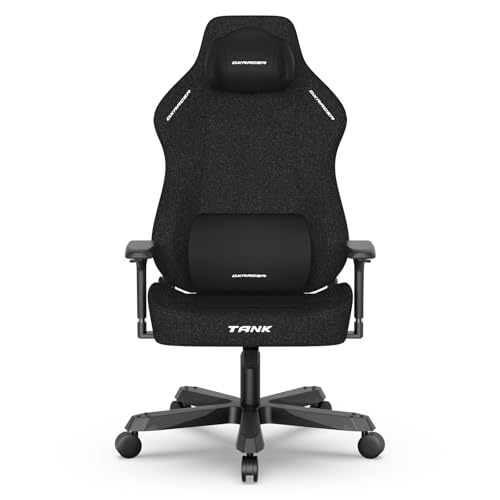
Measure both the deployed footprint and the folded profile of the frame before purchasing. Collapsible stands fold flat with electronics attached, allowing quick storage inside closets or beside desks. For multipurpose rooms, combining a compact folding stand with sleek black and white gaming chairs saves significant floor area compared to permanent cockpits.
Why is frame weight capacity important for simulator seating?
Vigorous steering inputs and stiff pedal resistance transfer mechanical stress directly into the chair frame and base. Simulator chairs with reinforced steel bases and stated capacities of 300 pounds or 150 kg resist flex and wobbling during fast transitions. Checking the rated capacity ensures the frame can handle both user weight and peripheral torque over extended sessions.


Write Your Review
No reviews yet. Be the first to share your experience!