


Selecting a Supportive Seat for Work and Gaming
Fitting a full-size computer seat beneath a standard desk often reveals unexpected clearance issues, especially when fixed armrests collide with the desktop. Tall backrests support the head and shoulders during long workdays, but bulky wheelbases can quickly crowd smaller home offices. Identifying the best office high back gaming chair for your space requires balancing total dimensions, seat cushion materials, and daily adjustment options rather than relying purely on aggressive racing aesthetics. Buyers outfitting shared office setups frequently compare practical gaming chairs under 200 to find capable designs that stay within reasonable budget limits.
Seat base construction, recline ranges, and upholstery options dictate how comfortably a hybrid chair accommodates both focused keyboard tasks and laid-back controller play. Models with independent pocket springs or high-density foam cushions maintain their support under steady daily use, whereas breathable mesh backrests handle warm rooms far better than solid faux leather. Checking manufacturer specifications for seat width, stated weight capacities, and armrest mobility helps you select a reliable chair that fits your body frame and desk setup without unpleasant surprises.




Frequently Asked Questions
How do seat width and depth affect fit during long sessions?
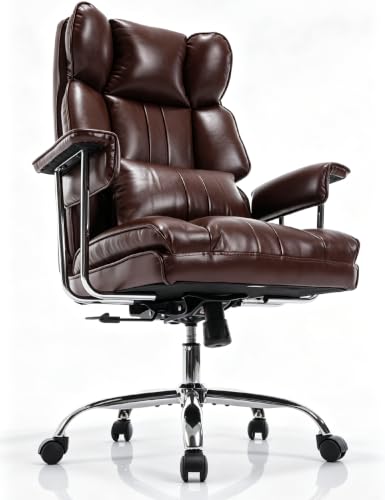
Comparing listed seat dimensions prevents buying a chair that cramps your thighs or presses behind your knees. For instance, models like the Homall chair list a 14.5 by 20.5 inch seat, while executive designs provide wider cushions without restrictive side bolsters. Measuring your current chair helps you match these dimensions to your body frame.
What is the difference between a rocking tilt and an independent recline?
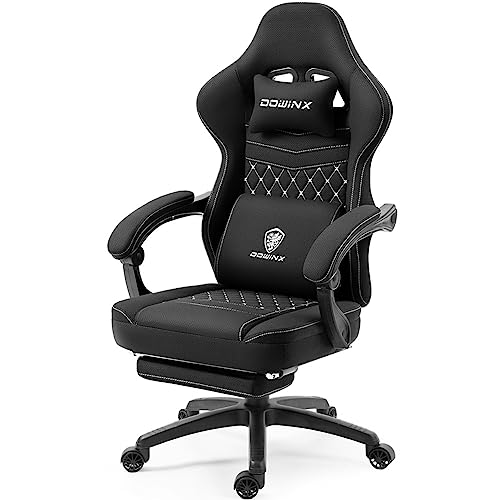
Rocking tilt mechanisms pivot the seat and backrest together up to roughly 120 degrees using adjustable spring resistance. Independent recline functions, such as those on a dedicated gaming chair with recliner or the COMHOMA chair, let the backrest tilt back to 135 or 155 degrees while the base stays stationary.
Why are flip-up armrests helpful for compact desk setups?
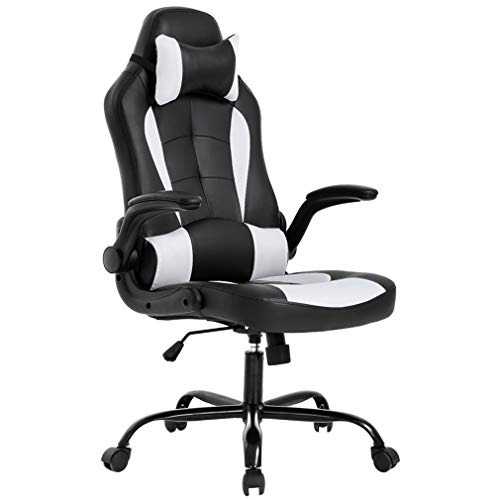
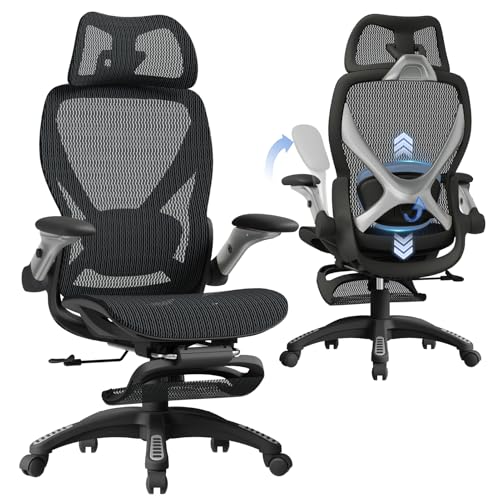
Flip-up armrests allow you to fold the arms upward to slide the seat fully under your desk when not in use. Options like the GABRYLLY, BestOffice, and DUMOS models use folding arms to save floor space and eliminate collisions with low desk edges or keyboard trays.
How do mesh and PU leather differ for all-day comfort?
Mesh chairs like the Staples Hyken and GABRYLLY promote constant airflow through the backrest, which keeps heat from building up during long sessions. In contrast, PU leather provides smooth padding that wipes clean easily but retains warmth. If cooling is your priority, exploring a gaming chair for sweat helps you evaluate mesh and breathable fabrics.
What do stated weight capacities and gas lift ratings indicate?
Stated weight capacities across high-back models generally range from 250 to 330 pounds, paired with Class 3 or SGS-certified pneumatic cylinders. Heavy-duty options like the Marsail chair support up to 330 pounds, while standard task chairs cap at 250 pounds. Looking for ANSI or BIFMA testing standards on the base confirms the chair meets recognized durability benchmarks.



Write Your Review
No reviews yet. Be the first to share your experience!