


Budget Gaming Seats for Work and Play
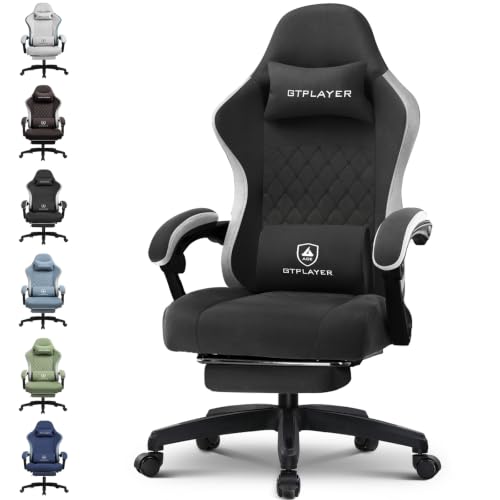
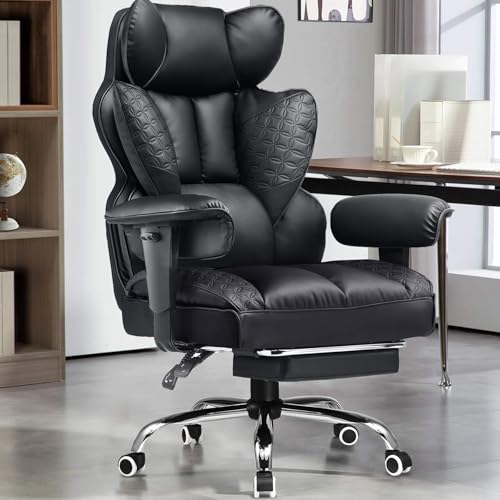
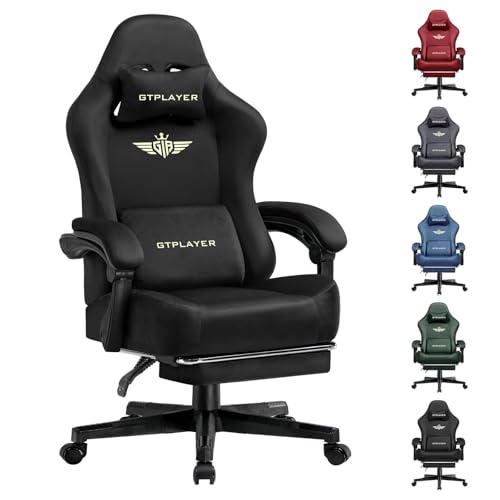
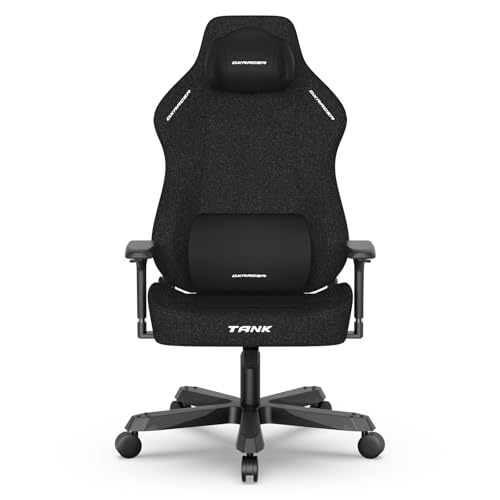
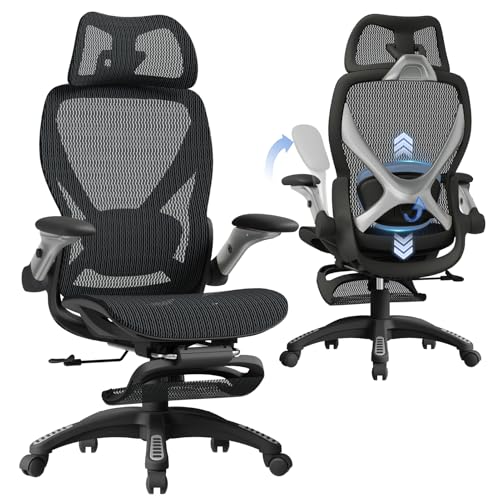
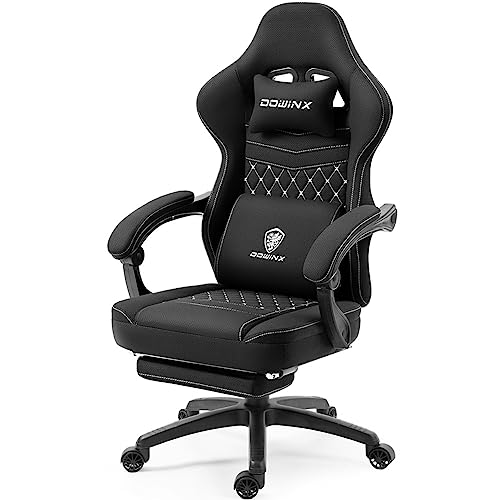
Seat dimensions and cushion construction often dictate how well a chair holds up during marathon gaming or daily remote work. Standard budget seats frequently suffer from thin padding that packs down quickly, leaving you with stiff posture and uncomfortable pressure spots. Evaluating the best gaming chairs under $200 requires checking realistic seat dimensions, internal support springs, and base stability before spending your hard-earned cash. If you have an even tighter spending limit, checking out gaming chairs under $150 can highlight the key differences in materials and features. Modern entry-level seating now incorporates pocket spring cushions and steel-reinforced framing previously reserved for costlier office models.
Armrest designs and recline options also play a significant role in everyday usability. Linkage armrests that tilt back alongside the backrest provide continuous forearm support when shifting between keyboard gameplay and controller sessions. Matching the stated weight capacity to your body frame prevents premature wear on gas cylinders and base wheels. Shoppers who experience lower back fatigue during extended sitting can explore dedicated options like gaming chairs for back support to see how built-in lumbar contours compare to removable pillows. Taking a few moments to verify these dimensional details guarantees your new seat matches your desk clearance and preferred posture.

Frequently Asked Questions
What cushioning materials are common in Best Gaming Chairs Under 200?
Pocket spring systems paired with high-density foam are common in modern budget seating. This dual-layer setup distributes body weight evenly and resists early flattening compared to standard cut foam. If you need supplemental support on an existing seat, specialized seat cushions for gaming chairs can add height and softness.
How do linkage armrests work on entry-level models?
Linkage armrests automatically tilt back as you recline the backrest. They keep your elbows supported across upright and relaxed angles without manual levers. However, they do not adjust independently in height, so checking your desk clearance before buying remains essential.
Is fabric or PU leather better for warm rooms?
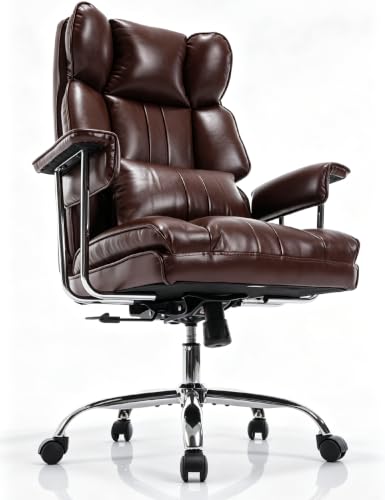
Breathable woven fabric dissipates heat significantly better than synthetic leather during long sessions. PU leather is easier to wipe clean and repels spills, but it can retain body heat. Gamers sensitive to warm setups often research cooling chairs for sweat to ensure proper ventilation.
What weight capacity should you expect under $200?
Standard models typically offer weight capacities around 300 to 330 pounds, while heavy-duty variants support up to 400 pounds. Sturdier models use thicker steel tubing and heavy-duty gas cylinders to maintain height stability. Checking the listed capacity ensures the base accommodates your build reliably.
What recline angles do budget gaming chairs typically offer?
Most models recline from 90 degrees for upright typing up to 135 degrees for relaxed gaming. Many options also integrate a fold-out footrest directly under the seat cushion. You will need enough floor clearance behind your desk to recline safely without bumping walls.



Write Your Review
No reviews yet. Be the first to share your experience!