


Evaluating Hardware for Business School Workloads
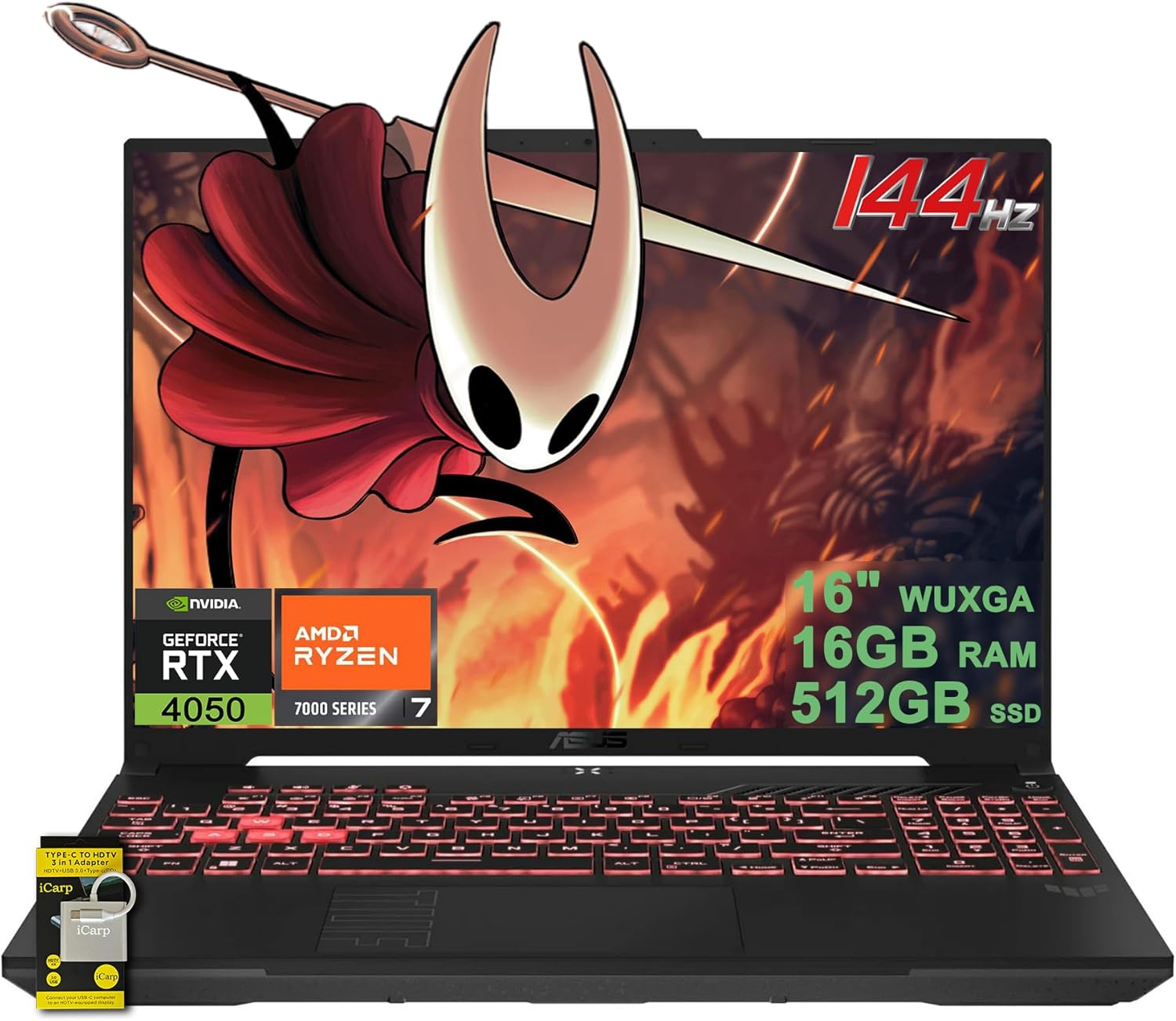
Handling dense spreadsheets, database queries, and browser research requires dependable computing hardware rather than flashy styling. Many business students discover that insufficient memory creates frustrating bottlenecks during team presentations and data analysis. Selecting suitable laptops for business majors means focusing on practical components such as a responsive processor, ample RAM, and fast solid-state storage. While some learners evaluate a budget gaming laptop with an RTX 4050 for evening entertainment, typical business courses mainly demand reliable daily productivity and portable convenience.
Display comfort and multitasking efficiency take priority during long study sessions. Both the SAGAWHALE 2026 Window 11 Pro Traditional Laptop and the Dell Latitude 5420 14″ FHD Business Laptop include 16GB of system memory for seamless multitasking. The SAGAWHALE model features a 15.6-inch Full HD IPS panel and an Intel 4425Y processor, while the Dell Latitude offers a compact 14-inch footprint powered by an Intel Quad-Core i5-1145G7. Understanding these hardware differences helps you balance workspace visibility against the mobility needed for daily campus commutes.


Pros
- Strong performance for office productivity, web browsing, and streaming video
- 16GB RAM is generous for a budget renewed laptop, allowing smooth multitasking
- SSD storage ensures quick startup and responsive app loading
- Compact and lightweight build is highly portable
Cons
- Integrated Intel graphics cannot handle modern PC gaming or demanding creative workloads
- Renewed units may show cosmetic wear, and some users report battery or hardware issues
- Display is only 60Hz and not ideal for competitive gaming or color-critical work
The Dell Latitude 5420 is a business-class laptop that has been renewed by Amazon, offering a solid foundation for everyday computing at a fraction of its original price. It comes with an Intel Core i5-1145G7 processor, 16GB of DDR4 RAM, and a 256GB SSD, plus Windows 11 Pro pre-installed. This makes it a strong choice for work-from-home professionals, college students, or anyone who needs a reliable secondary laptop for productivity tasks.
While this laptop is not designed for PC gaming, esports, or content creation with heavy rendering, it handles typical office workloads with ease. You can comfortably run Microsoft Office, Slack, Zoom, web browsers with multiple tabs, and even light photo editing software. The 16GB of RAM ensures you won't hit memory bottlenecks during typical multitasking sessions, and the SSD makes booting and loading applications very snappy.
The 14-inch Full HD display provides clear text and decent viewing angles, though it's limited to a standard 60Hz refresh rate. It's perfectly adequate for spreadsheets, coding, or watching YouTube tutorials. Build quality feels sturdy with a metal-reinforced chassis, though cosmetic imperfections are possible since it's a renewed product. Many users report that the condition is better than expected, but some have noted scratches or a vinyl cover over the bottom.
Connectivity is solid with USB-A, HDMI, a headphone jack, and USB-C for charging. The inclusion of Windows 11 Pro is a nice bonus for business users who need advanced security features like BitLocker. The laptop also integrates a webcam and microphone, which work well for video calls.
One realistic limitation is the integrated Intel graphics, which cannot handle modern games or GPU-accelerated tasks. If you're a PC gamer looking for a laptop to also play titles, this isn't it. However, for a dedicated work machine or a budget laptop for a college gamer who already has a desktop, it's a great value. Some renewed units may have battery drain issues or minor hardware glitches, so checking the return policy is wise.
Overall, the Dell Latitude 5420 is a practical, cost-effective option for non-gaming productivity. It's ideal for streamers who need a portable laptop for admin tasks, work-from-home gamers seeking a secondary device, or college students on a tight budget. Just don't expect any gaming performance from the integrated GPU.
Frequently Asked Questions
How much RAM do business majors need in 2026?
Sixteen gigabytes of RAM is generally recommended for modern business coursework. Running data modeling tools, web research, and collaboration apps simultaneously demands sufficient memory headroom. Both featured laptops supply 16GB of RAM, preventing frustrating slowdowns when managing heavy spreadsheets alongside lecture streams.
What processor is sufficient for laptops for business majors?
A quad-core processor like the Intel Core i5-1145G7 easily handles analytical tools and standard business software. The Dell Latitude 5420 includes this quad-core chip, making it well-suited for calculating dense formulas. Entry-level dual-core chips, such as the 4425Y processor in the SAGAWHALE model, serve basic document editing and web research.
Is a 14-inch or 15.6-inch screen better for business coursework?
A 14-inch screen favors portability, whereas a 15.6-inch panel provides better screen area for complex spreadsheets. Frequent travelers often prefer the smaller footprint of the 14-inch Dell Latitude. Students reviewing wide financial statements benefit from the 15.6-inch SAGAWHALE display. While specialized users seek a high resolution QHD laptop display for graphics, standard 1080p resolution offers crisp clarity for business reports.
How much storage should business students look for?
A 256GB solid-state drive provides adequate local storage for operating systems and core academic documents. Both available laptops offer 256GB SSD storage, ensuring quick boot times and rapid document access. Because business coursework relies heavily on presentations and cloud databases, this capacity easily covers essential course files.
Does Windows 11 Pro benefit business majors?
Yes, Windows 11 Pro includes enhanced security and remote management features built for professional environments. Both listed models come with Windows 11 Pro pre-installed, providing BitLocker device encryption and straightforward school network integration. Having an operating system tailored for business use helps students meet institutional software requirements effortlessly.




Write Your Review
No reviews yet. Be the first to share your experience!