


Selecting Seats for Leg and Joint Support
Sitting for hours during intense PC or console sessions often creates uncomfortable tension in the lower joints, especially when a seat pan presses against the back of your calves or forces an awkward leg angle. Proper lower-body positioning relies heavily on precise seat-height adjustment, responsive cushion density, and backrest recline to keep your feet flat on the floor. Searching for the best gaming chair for bad knees requires looking past flashy race-car styling and focusing strictly on physical specifications like gas-lift clearance and retractable footrests. Models with pocket-spring cushions or adjustable tilt tension help distribute body weight evenly, reducing localized pressure while you work or play.
Seat depth and base stability play equally critical roles when you want to avoid leg stiffness during extended gaming marathons. Chairs with extendable leg rests allow you to periodically elevate your legs to shift sitting angles without losing upper-body support. If you share your workspace between work and entertainment, checking options like ergonomic gaming chairs under $200 can provide a clear view of affordable height ranges and durable frames. Evaluating these dimensions upfront prevents the common frustration of buying a chair that keeps your joints bent at restrictive, rigid angles.




Frequently Asked Questions
How does seat height adjustment affect knee comfort in a gaming chair?
Seat height determines whether your feet rest flat on the floor with knees bent at an open angle of 90 degrees or greater. If a chair sits too high, your feet dangle and place pressure on the underside of your thighs and knee joints. If it sits too low, your knees flex past 90 degrees, increasing joint load. Options like the Yaheetech gaming chair offer a 19 to 22.6 inch height range, allowing users to match their desk setup accurately.
Are pocket spring seat cushions better than basic foam for lower body support?
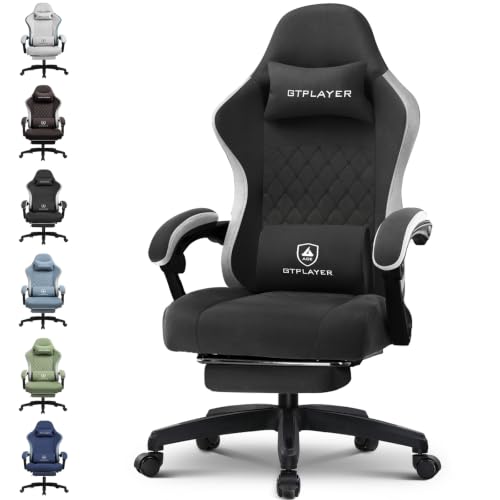
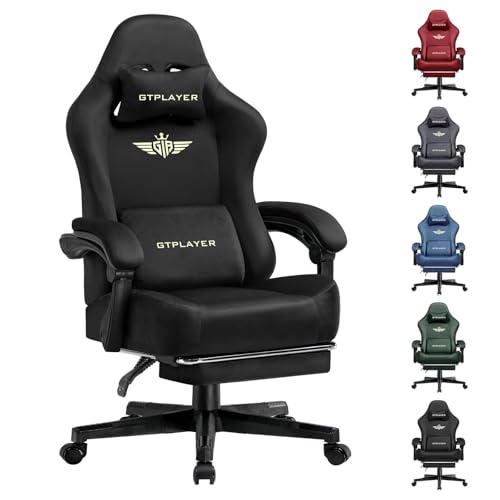
Pocket spring cushions distribute body weight across individual coils rather than compressing into a dense, flat block. The LUCKRACER and GTPLAYER models incorporate independent pocket springs beneath foam layers to maintain consistent loft and pressure distribution. This structure helps prevent the cushion from bottoming out during long sessions, which reduces firm pressure against the upper legs.
Can a retractable footrest help reduce leg strain during long sessions?
Retractable footrests provide a way to change your lower-body posture by letting you extend your legs during breaks. Models like the GTPLAYER and Yaheetech chairs pair footrests with 90 to 135 degree recline mechanisms, which shifts your center of gravity backward. Altering your knee angle throughout the day helps avoid prolonged static flexion.
What role does seat width and weight capacity play in overall leg freedom?
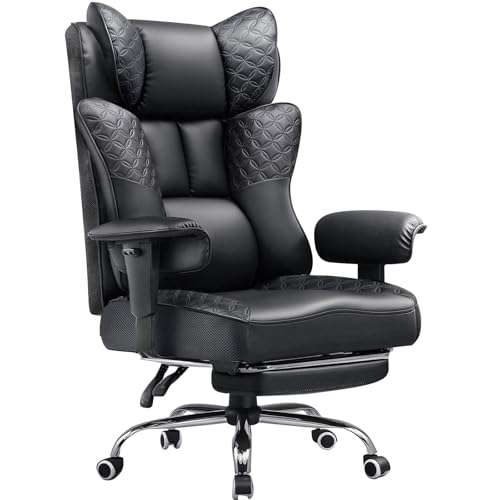
Generous seat widths prevent side bolsters from squeezing your thighs inward and forcing unnatural knee alignment. For larger frames, reviewing sturdy big and tall gaming chairs with capacities up to 400 pounds ensures wider seating space and robust gas lifts. Chairs like the N-GEN Big & Tall model provide a wider base so your legs remain comfortably spaced.
How does lumbar positioning influence lower extremity pressure?
Proper lower back alignment keeps your pelvis neutral, preventing slouching that pulls your hips forward and alters leg angles. Adding dedicated lumbar support pillows for gaming chairs helps maintain lumbar curvature, which keeps weight distributed across the backrest instead of loading solely onto the seat edge.






Write Your Review
No reviews yet. Be the first to share your experience!