


Tackling Background Chatter and Muffled Audio on Voice Calls
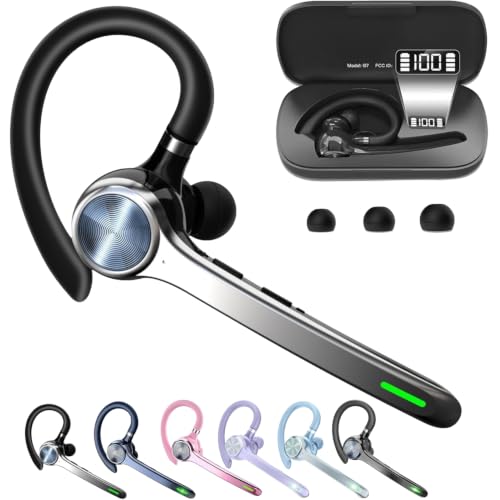
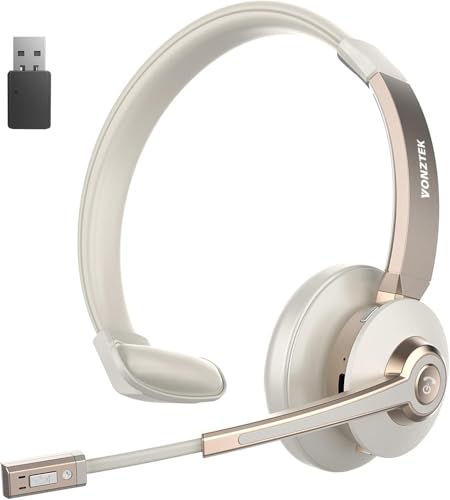
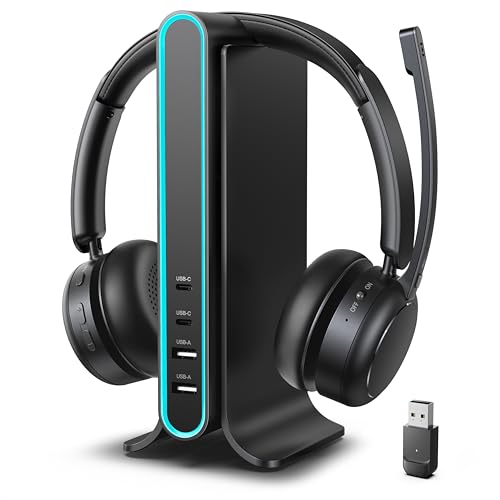
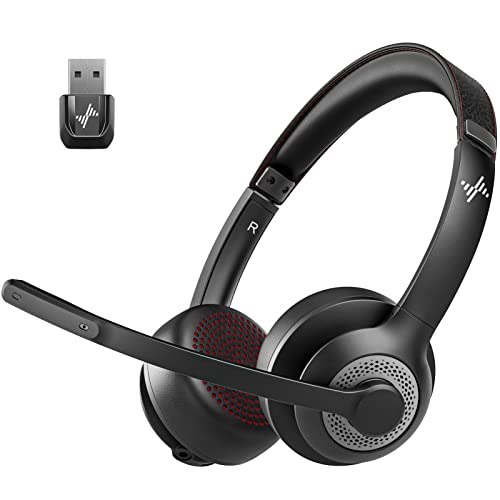
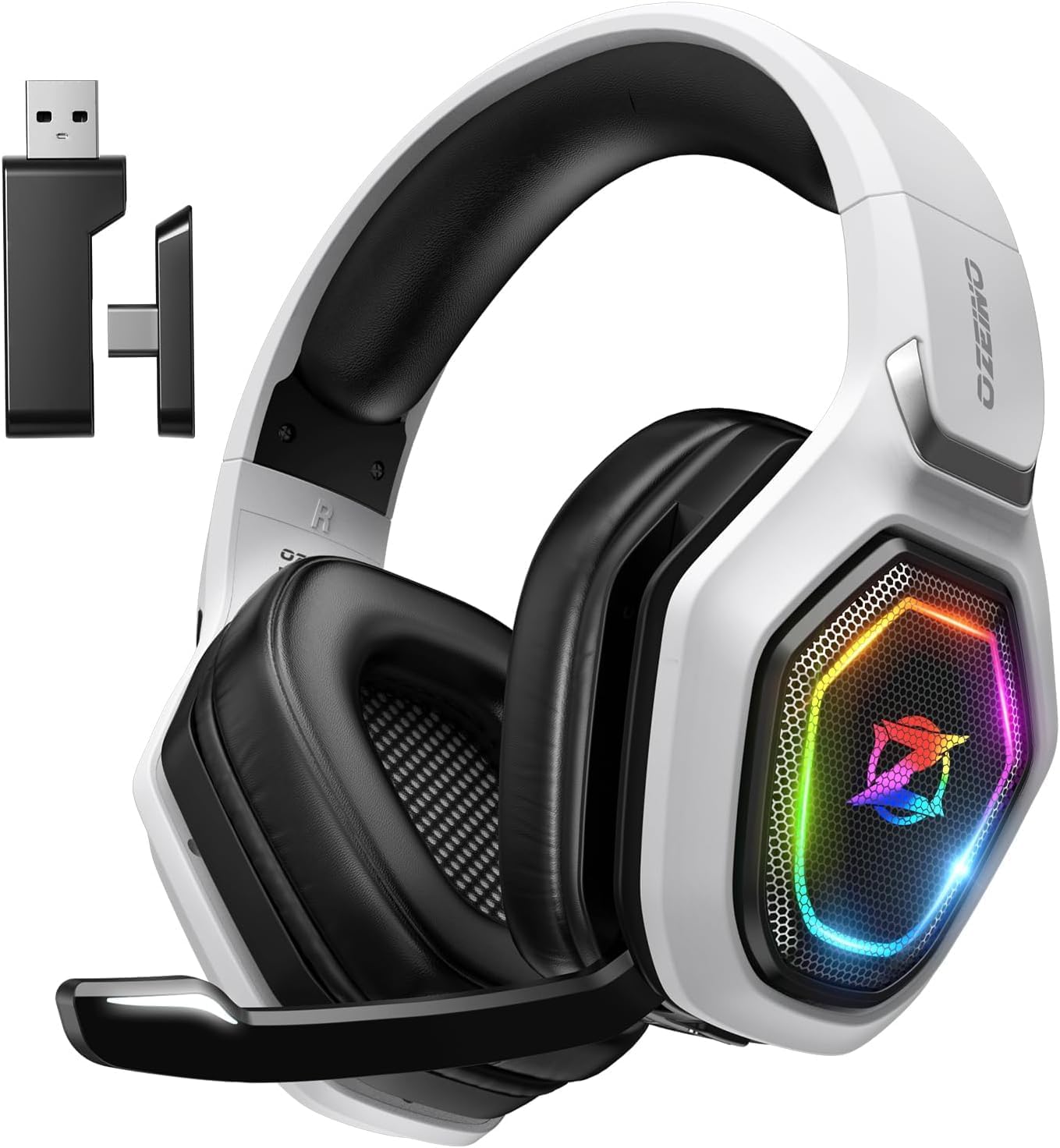
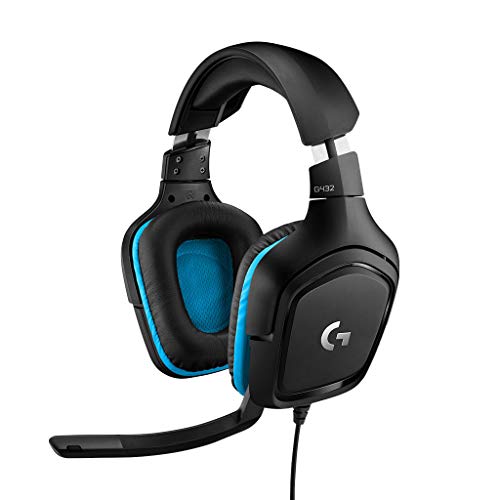
Background chatter and harsh room echoes can easily derail an important client conversation or team standup. Straining to make your voice heard through a cheap laptop mic creates instant fatigue, and it doesn’t take long for listeners to lose patience. Finding the best wireless headset for calls solves this frustration by combining advanced environmental noise cancellation with responsive microphone booms that isolate speech from ambient household chaos. Based on detailed analysis of microphone specifications, acoustic driver designs, and broad user feedback, modern communication gear now blends reliable low-latency wireless connectivity with lightweight headbands that eliminate painful skull pressure spots during marathon workdays. Pairing this setup with a dependable office mouse for daily productivity ensures your physical desk space supports effortless multitasking.
Battery anxiety and uncomfortable ear clamping also turn routine virtual meetings into a daily chore. Nobody wants a headset that shuts down mid-sentence or causes sore ears after just two consecutive calls. Today’s top wireless models tackle these headaches directly with breathable protein leather ear cushions, physical flip-to-mute boom microphones, and high-capacity batteries that easily deliver over twenty hours of continuous talk time. Stable connections via dedicated USB hardware dongles eliminate the audio lag and dropped signals that frequently plague standard Bluetooth pairings. Upgrading your audio setup alongside a responsive wireless desktop mouse creates a streamlined workstation where you stay focused on your agenda rather than wrestling with hardware.



Frequently Asked Questions
Does a dedicated USB dongle perform better than standard Bluetooth for calls?
Yes, a dedicated USB dongle provides a noticeably more stable and lower-latency connection than native Bluetooth. Built-in computer Bluetooth often struggles with driver mismatches, signal dropouts, and restricted bandwidth when handling two-way voice traffic. A pre-paired USB dongle bypasses operating system Bluetooth stacks, providing instant plug-and-play operation and reliable hardware-level mute synchronization on platforms like Microsoft Teams and Zoom.
How does environmental noise cancellation differ from active noise cancellation?
Environmental noise cancellation (ENC) protects your listeners from hearing background room sound, while active noise cancellation (ANC) blocks ambient noise from reaching your own ears. An ENC system uses outward-facing boom microphones and smart algorithms to strip away barking dogs, keyboard clatter, and nearby conversations before sending your voice. ANC produces inverted sound waves inside the earcups to help you concentrate in noisy environments. Choosing the best wireless headset for calls often means prioritizing strong microphone ENC so clients hear you clearly.
Can a wireless office headset connect to both a computer and a smartphone simultaneously?
Yes, headsets equipped with Bluetooth multipoint or dual-mode wireless can maintain simultaneous links with both your laptop and mobile phone. This setup allows you to monitor computer audio or video meetings while remaining reachable for incoming mobile phone calls. Taking an unexpected phone call automatically pauses computer playback without forcing you to re-pair devices manually. Navigating these transitions smoothly alongside essential desk productivity shortcuts keeps daily communication seamless.
Why is microphone sidetone helpful during long work calls?
Microphone sidetone feeds a subtle, real-time monitor of your own voice back into your headset earcups so you speak naturally. Without sidetone, closed-back ear cushions block your natural voice feedback, causing you to shout unconsciously and strain your vocal cords. Having adjustable mic monitoring ensures you always know your speaking volume and confirms that your microphone is transmitting clearly.
Are single-ear headsets better than dual-ear headsets for call center shifts?
Single-ear headsets work best if you need continuous situational awareness of your immediate office surroundings or family members at home. Mono designs keep one ear open for local conversations and allow you to regulate your speaking volume easily without sidetone software. Dual-ear headsets provide better passive acoustic isolation, making them ideal if you work in an open office or busy room where ambient distractions disrupt your concentration.
How can glasses wearers prevent ear cushion discomfort during long meetings?
Glasses wearers should select headsets with low clamping force and soft memory foam or protein leather ear cushions that conform around eyeglass frames. Rigid foam pads press frame temples directly against the skull, creating painful pressure points within an hour of wear. Selecting an adjustable headband alongside a supportive large PC mouse helps maintain overall posture and eliminates neck or head fatigue during extended desk shifts in 2026.






Write Your Review
No reviews yet. Be the first to share your experience!