


Ventilation and Ergonomics for Extended Play
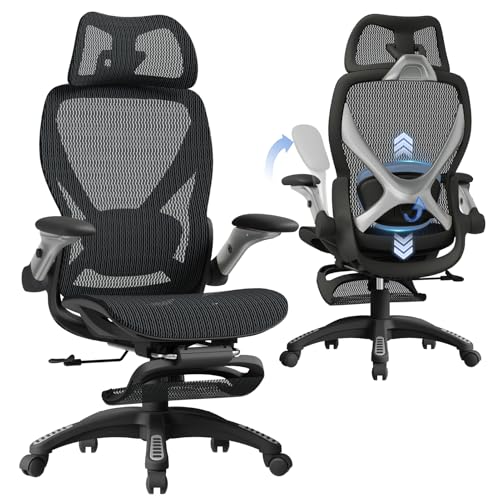
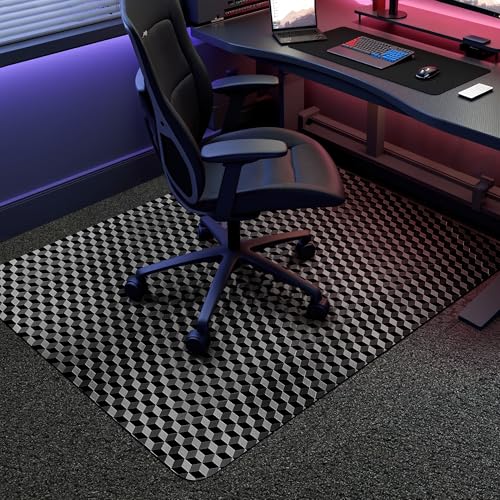
Sitting through multi-hour gaming sessions often leads to uncomfortable heat buildup along your back. Traditional faux-leather seating traps warmth quickly, so breathability remains a top priority when upgrading your space. The best gaming chair mesh back models solve this by pairing open-weave ventilation with adjustable lumbar support and stable base frames. Many players also need flexible armrests that tuck away easily, preserving clearance for a wide desk setup featuring an extended mouse pad. Checking listed dimensions early helps you avoid frustrating mismatches with your desk height.
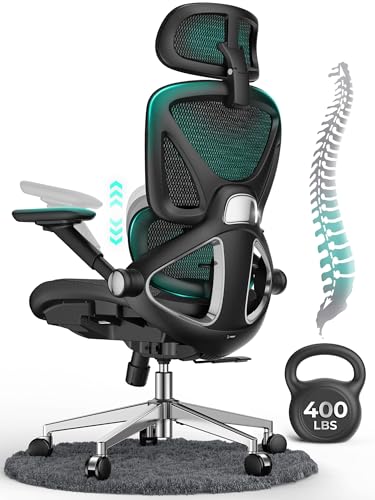
Because gamer proportions vary, universal sizing claims rarely tell the whole story. Heavy-duty options like the CAPOT Ergonomic Mesh Office Chair provide 400-pound weight capacity ratings and micro-adjustable lumbar alignment, while lighter builds suit compact corners. Recline functions ranging from 90 to 135 degrees let you switch between focused keyboard play and relaxed controller sessions. Reviewing listed seat widths and tilt locks ensures you select a chair matching your sitting habits.





Frequently Asked Questions
How does a mesh back benefit long gaming sessions?
A mesh back promotes continuous airflow, allowing body heat to dissipate naturally as you play. Unlike dense faux leather that traps sweat, breathable mesh keeps you cool during warm gaming marathons. High-resilience weaves also adapt to your spine’s posture without locking in unwanted warmth.
What should you check regarding seat dimensions and weight capacity?
Check the listed seat width and depth against your sitting habits before purchasing. The Best Gaming Chair Mesh Back models in 2026 feature widths from 19 to 20.5 inches with capacities between 275 and 400 pounds. Choosing proper dimensions prevents pressure behind your knees and provides ample hip room.
Why are flip-up armrests helpful for desk setups?
Flip-up armrests allow you to tuck your chair completely beneath your desk to save floor space. They also grant unhindered arm mobility for broad mouse sweeps across a large gaming mousepad or let you sit cross-legged comfortably.
How does adjustable lumbar support improve seated comfort?
Adjustable lumbar mechanisms let you align support with your spine’s natural curve rather than settling for a rigid shape. Models with vertical and depth adjustments accommodate different torso heights, delivering firm lower back contact during prolonged desk sessions.
What recline angle works best for gaming and desk work?
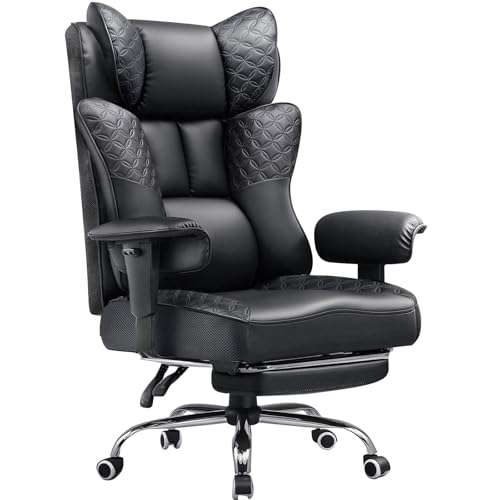
A 90 to 110-degree backrest angle suits upright keyboard and mouse work, while a 120 to 145-degree recline suits relaxed controller gaming. Many ergonomic chairs feature multi-position tilt locks and extendable footrests, allowing you to transition between work and leisure easily.





Write Your Review
No reviews yet. Be the first to share your experience!