


Desk setups often fail to balance upright work needs with laid-back gaming comfort. Many workers struggle with armrests that bump against keyboard trays or backrests that lack firm lower support during long shifts. Selecting the best gaming chairs ergonomic office spaces require means paying close attention to actual seat dimensions, padding construction, and recline hardware. Reviewing dedicated gaming chairs for back support provides helpful context on how cushions and adjustable lumbar units interact with your posture.
Matching chair components to room layout prevents expensive buying mistakes. Heavy metal star bases, wide seat pans, and multi-stage recline brackets can overpower small computer rooms. Checking stated weight limits, such as capacities from 300 to 400 pounds on heavy-duty models, ensures the frame fits your physical requirements before ordering. Readers who want broader context can also check our guide on evaluating gaming chair specifications to compare key build standards.





Frequently Asked Questions
How do pocket spring cushions compare to foam seats?
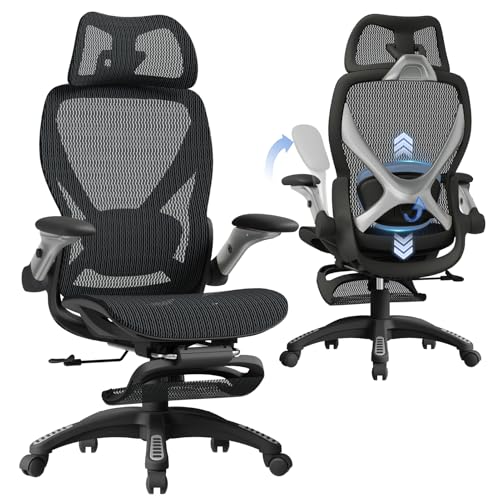
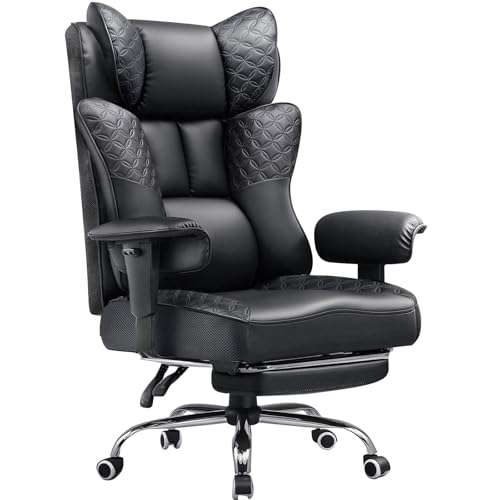
Pocket spring cushions distribute body weight through individual coils, while high-density foam relies on compressed material. Models like the Kslysuty Desk Computer Gaming Chair use springs to resist sagging. Foam-only seats, such as the Marsail Ergonomic Office Chair, offer a uniform feel without coils. Choose based on whether you prefer responsive springiness or firm foam.
What should buyers verify regarding chair weight limits?
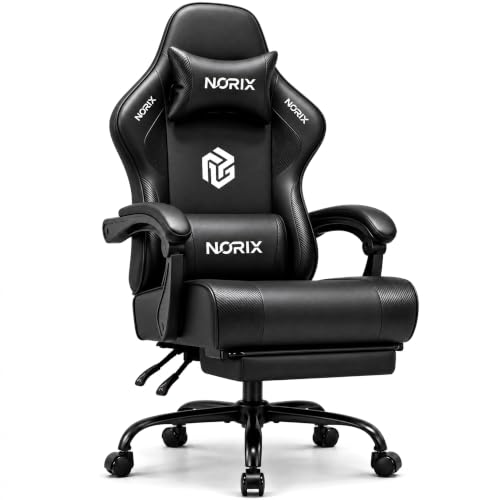
Check the manufacturer’s stated weight rating to ensure safe frame support. Heavy-duty options like the GTPLAYER and N-GEN GAMING chairs specify a 400-pound maximum load. Standard task models, including the Marsail chair, list capacities around 330 pounds, while the ELABEST X100 specifies 300 pounds. Staying within the listed capacity prevents premature gas lift sinking.
Can flip-up armrests help fit chairs under desks?
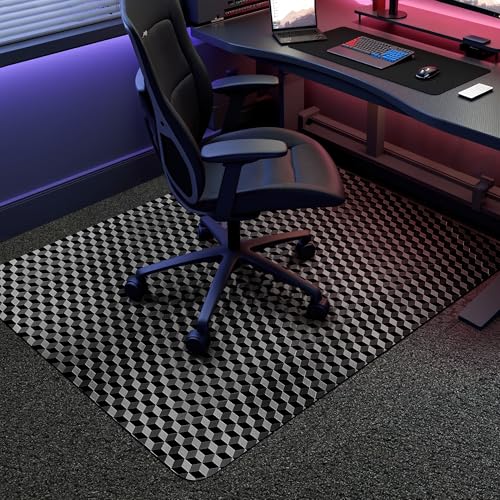
Armrests that adjust in height or flip upwards allow the chair to slide closer to your desk. Models like the Marsail chair and ELABEST X100 feature flip-up armrests that fold out of the way. Pairing your seat with dedicated gaming chair floor mats and rugs helps protect your flooring in tight spaces. Measure your desk height before purchasing.
How do recline ranges differ between seating styles?
Recline mechanisms vary from gentle working angles to deep resting positions. Office task chairs like the Marsail model typically tilt between 90 and 120 degrees for computing. Hybrid gaming chairs, including the HELXQEXB model, recline back to 150 degrees with retractable footrests. Select a model that matches your preferred working angle to avoid paying for unused features.
What maintenance do PU leather and mesh materials need?
PU leather requires simple damp wiping, while mesh seating needs periodic vacuuming to clear dust. Faux leather resists liquid spills, but mesh backings like those on the ELABEST X100 offer passive airflow. Using practical items from our guide on budget desk accessories can help maintain your setup. Avoid harsh chemicals on both materials to prevent surface damage.





Write Your Review
No reviews yet. Be the first to share your experience!