


Armrest Adjustability and Desk Compatibility
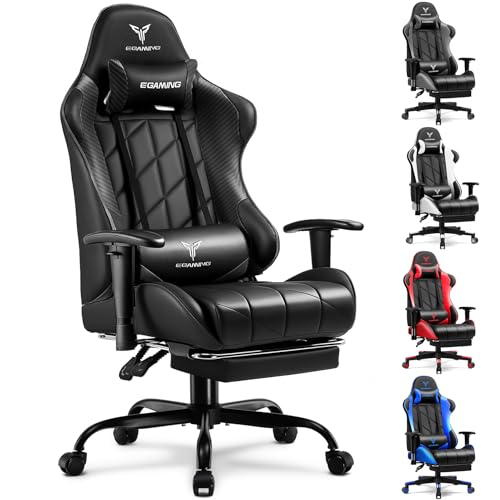
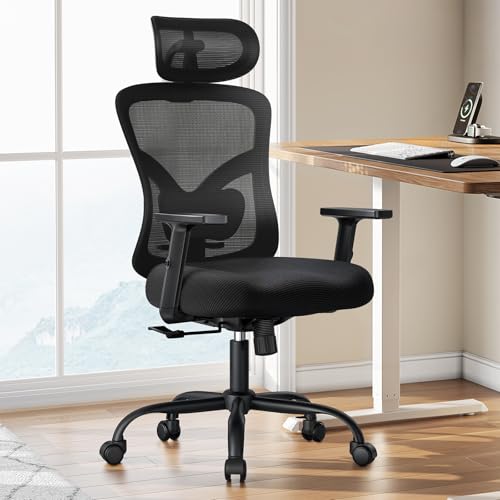
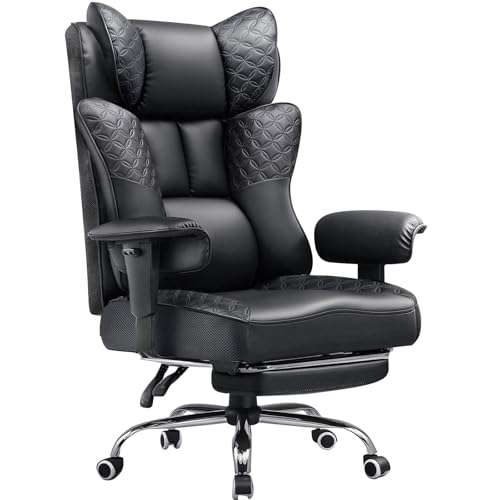
Desk height discrepancies often create awkward forearm angles during PC sessions, leading to shoulder fatigue when armrests stay fixed in place. Many standard computer seats lock armrests at a rigid height that bumps into desk edges, preventing you from sitting close to your keyboard. Evaluating the best gaming chair with adjustable arms resolves this clearance issue by letting you align rest heights with your desk surface. Buyers comparing setups can explore affordable gaming seating alongside premium options to balance cost and adjustability. Multi-directional arm movement also enables quick transitions between controller gaming, mouse aiming, and typing.
Different models provide distinct adjustment ranges, spanning basic vertical height, 3D pivots, 4D lateral motion, and 5D flip-up designs. Seat construction also matters for long sessions, making breathable gaming chair materials worth checking before choosing between mesh and faux leather. Checking structural elements such as gas lift classes, steel bases, and stated weight ratings ensures stable everyday support. Focusing on verified manufacturer specifications helps you secure a chair tailored to your desk clearance and physical dimensions.



Frequently Asked Questions
What is the difference between 3D, 4D, and 5D adjustable arms?
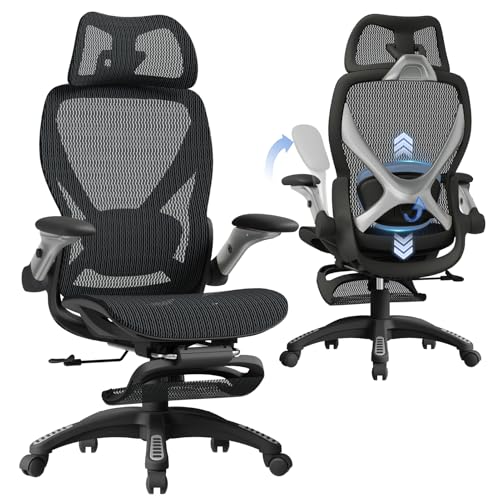
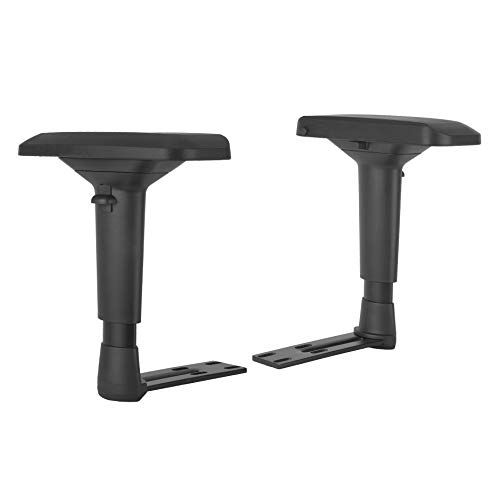
Armrest classifications define how many directions the pads can shift. Standard 3D arms adjust in height, slide forward and backward, and rotate inward or outward. Advanced 4D units add width adjustments to widen or narrow the sitting area. Designs with 5D flip arms combine full multi-directional motion with a flip-up hinge that folds armrests away completely.
How do adjustable arms help a gaming chair fit under low desks?
Lowering the armrests allows the chair to glide under low desktop surfaces without scuffing the arm pads. Chairs with flip-up arms provide maximum clearance because the armrests tuck flush against the backrest. This space-saving design is especially practical in compact gaming setups or shared home offices.
Can you replace fixed armrests on an existing chair with adjustable brackets?
Universal replacement armrest pairs can upgrade chairs that have standard bottom-bracket mounting patterns. Brands such as Kei Project offer aftermarket 4D brackets designed for popular chairs from DXRacer, Secretlab, and similar manufacturers. Always check the bolt hole spacing beneath your seat cushion before ordering replacement parts.
What weight capacity should you look for in a heavy-duty gaming seat?
Standard gaming chairs generally hold between 250 and 330 pounds, while heavy-duty seats support 400 to 600 pounds. These heavy-duty models feature reinforced steel frames and Class 4 gas cylinders for added stability. Always verify the manufacturer-stated weight limit and seat width before purchasing.
How do pocket spring cushions differ from high-density foam?
Pocket spring seat cushions use individually wrapped steel coils beneath padding, resembling sofa construction. Each spring compresses independently to distribute weight evenly and prevent foam sagging. Gamers wanting extra contouring can also look at supplemental gaming chair cushions to tailor their seating surface.
What warranty terms typically cover gaming chairs with moving parts?
Most budget and mid-tier gaming chairs include a 12-month manufacturer warranty covering defective components and mechanical failures. Many brands also provide 30-day replacement policies for parts damaged during shipping. Checking the stated warranty protects your purchase if an armrest mechanism or cylinder needs replacement.







Write Your Review
No reviews yet. Be the first to share your experience!