


Selecting the Right Ergonomic Gaming Setup
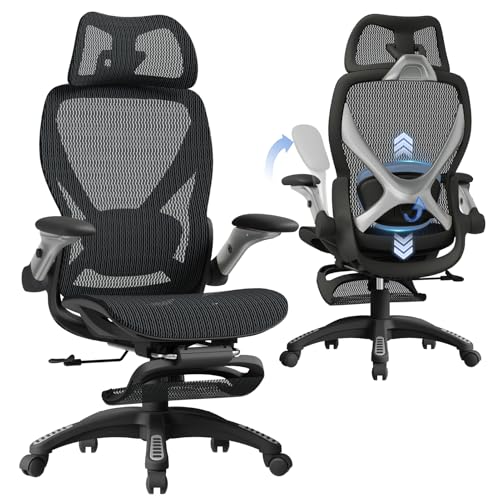
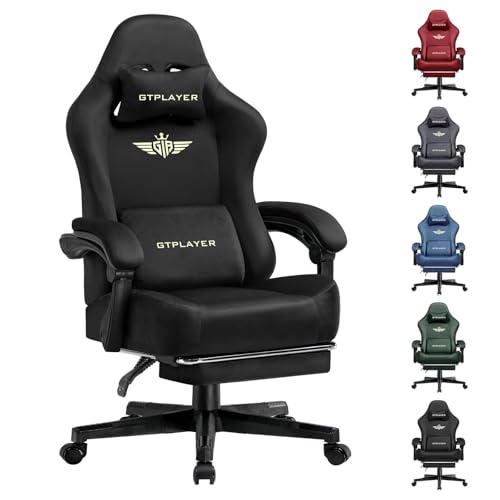
Long gaming sessions and desk work often reveal how poorly a standard chair supports the body. A seat cushion pressing against your thighs or a backrest lacking lower spinal support leaves you shifting constantly. Evaluating the best gaming chairs for good posture involves checking seat dimensions, recline angles, and lumbar adjustment rather than aesthetics. Many models pair ergonomic back rests with a practical gaming chair with recliner setup, letting you alternate between upright work and relaxed viewing. Solid steel frames, dense foam, and armrest mobility ensure reliable daily support.
Proper fit also depends on matching your seat to desk height and legroom. When armrests cannot adjust vertically, they bump into desk edges and force you to slouch forward during intense play. Look for options with adjustable lumbar support and wide wingless seat cushions that give your hips plenty of room. The right combination of adjustable components creates a setup that supports healthy sitting habits without feeling restrictive.






Frequently Asked Questions
What features should you prioritize when shopping for Best Gaming Chairs For Good Posture?
Focus on lumbar adjustability, seat height range, and backrest angle control. Chairs with adjustable lumbar pads let you place support directly at your lower back. Armrests should also adjust to match your desk height. When a chair needs extra padding, adding dedicated gaming chair cushions can provide additional lower back support.
How does a wingless seat design help maintain good sitting posture?
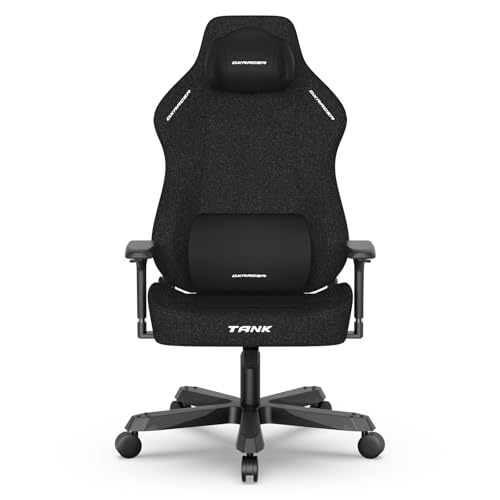
Wingless seats provide a wider, flatter base that prevents your thighs from being squeezed inward. Traditional racing-style side bolsters restrict hip movement and push knees together, throwing off pelvic alignment. Flat cushions encourage natural leg positioning while keeping your hips level, making them ideal for broader frames or users who shift positions.
Can budget-friendly models still provide adequate posture support?
Yes, several budget-friendly chairs offer solid basic ergonomic adjustments like reclining backrests and removable lumbar pillows. Many of the gaming chairs under 200 include segmented padding, tilt locks, and headrests. While entry-level models often use linkage armrests instead of multi-directional mechanisms, they can still maintain an upright 90-degree sitting angle.
Why is armrest adjustability critical for desk alignment?
Adjustable armrests allow your forearms to rest level with your desk, preventing shoulder strain and wrist fatigue. Fixed armrests often hit desk aprons, forcing you to slouch forward over your keyboard. Height-adjustable or flip-up arms let you sit closer to your work surface with balanced upper body support.
What is the ideal recline angle for working versus relaxing?
An upright angle between 90 and 100 degrees works best for focused typing and competitive gaming. Leaning back between 110 and 120 degrees relieves pressure during casual play or reading. Deeper reclines around 135 to 150 degrees, paired with a footrest, are best reserved for short rest breaks.

Write Your Review
No reviews yet. Be the first to share your experience!