


Restoring Your Display After Hardware Damage
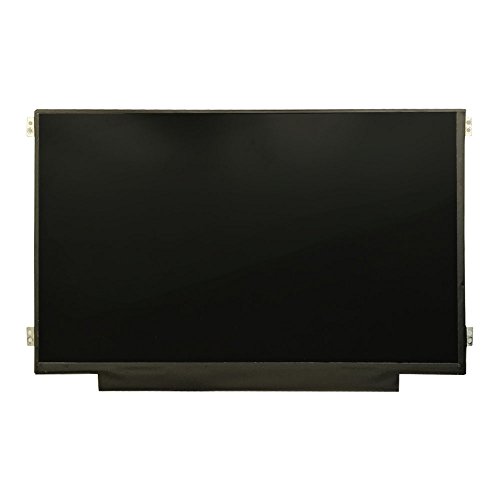
Cracked glass, vertical lines, or persistent backlight bleed can disrupt daily work and gaming sessions. While an external monitor offers a temporary workaround, knowing when your laptop lcd screen needs replacing requires checking both physical damage and video output signals. Modern displays rely on delicate IPS panel layers, narrow bezels, and fragile 30-pin or 40-pin eDP display connectors that cannot tolerate heavy hinge strain or impacts. Pinpointing the exact hardware fault early clarifies whether a panel swap or professional repair makes practical sense.
Selecting replacement hardware requires matching original panel resolution, refresh rate, and mounting style instead of guessing by computer brand alone. Swapping a basic office display differs substantially from servicing a specialized gaming laptop with a 144Hz display where connector bandwidth is critical. Most modern slim-chassis computers rely on stretch-release adhesive strips rather than screws to secure the display assembly. Checking the part number on the rear panel sticker ensures accurate connector alignment and proper backlight control.





Frequently Asked Questions
How can you tell if a laptop LCD screen needs replacing or if the GPU failed?
Connect the laptop to an external monitor using an HDMI cable. If the external screen shows a clear image while the laptop display exhibits lines, black spots, or flickering, the LCD panel or video cable is damaged. If both screens display identical visual artifacts, the problem usually originates from the graphics processor or motherboard.
Can you upgrade to a higher resolution panel during screen replacement?
Upgrading screen resolution depends on your motherboard video cable bandwidth. Standard 1080p panels typically use a 30-pin eDP cable, whereas sharper panels on a laptop with a QHD display usually require a 40-pin connector. Installing a higher-resolution screen on an incompatible cable leads to a black display or severe flickering.
Why is specialized adhesive tape necessary when your Laptop Lcd Screen Needs Replacing?
Modern slim-bezel laptops lack traditional screw brackets and rely entirely on stretch-release adhesive strips. Standard household tapes or adhesives can crack thin glass panels or prevent bezels from sitting flush against the housing. Purpose-built stretch tapes secure the panel firmly while allowing safe pull-tab removal during future maintenance.
Does replacing a laptop LCD screen erase personal files?
No, replacing an LCD panel has zero impact on your storage drives or stored data. The screen functions solely as an output device connected to the motherboard. All files and operating system data remain intact on your internal solid-state drive. Always disconnect the battery before installation to prevent electrical short circuits.
How do you identify the exact replacement panel for your laptop in 2026?
Check the manufacturer part number printed on the sticker attached to the rear of your original LCD screen. Laptop model names often use different panel variants across manufacturing runs. Verifying the specific rear part code confirms the correct pin count, mounting tab placement, and display finish for your computer in 2026.





Write Your Review
No reviews yet. Be the first to share your experience!