


Budget Gaming Seating Features and Tradeoffs
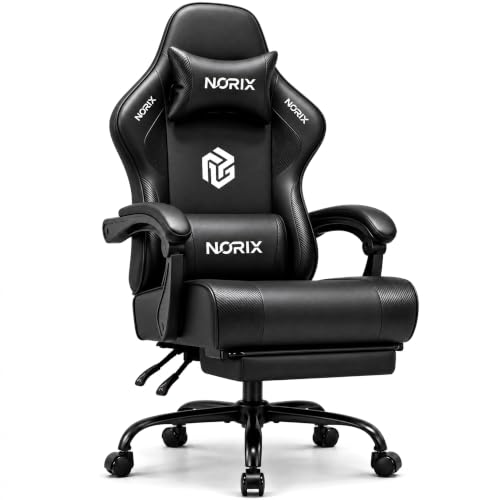
Desk clearance and seat proportions often catch shoppers off guard when setting up a dedicated PC space. A compact room might require a narrower wheelbase so you can slide your seat completely under the table without scraping the edges or bumping armrests. Shoppers searching for the best gaming chairs under $50 need to compare seat dimensions, recline angles, and frame materials carefully to ensure a good fit. Pairing your desk with an extended gaming mouse pad also helps organize your surface and keep arm movements smooth.
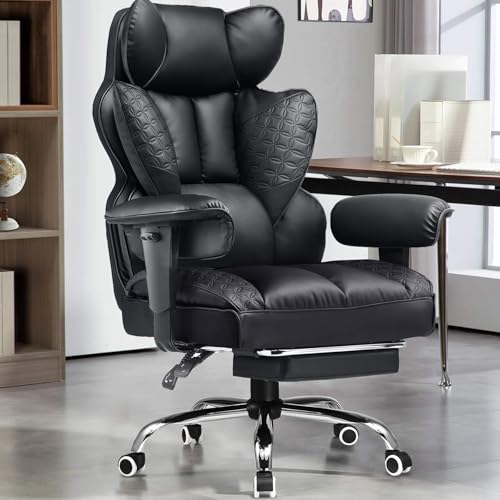
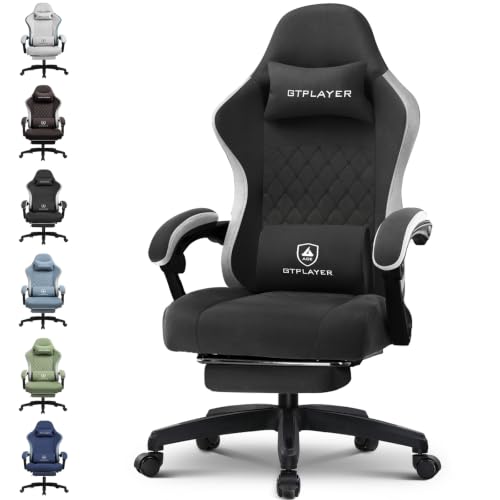
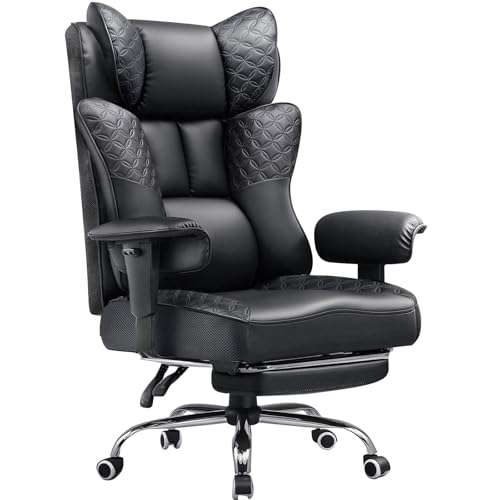
Weight capacity and base stability remain two essential details to verify before ordering any new seat. Entry-level models frequently list steel or reinforced nylon bases alongside stated load limits that vary widely between designs. Inspecting the presence of an adjustable lumbar pillow or high-density foam cushion provides practical insight into actual back support. Checking whether a chair includes a retractable footrest or linkage armrests will also clarify if it suits your preferred sitting posture during extended desk work.







Frequently Asked Questions
What seat dimensions should buyers measure before ordering a budget gaming chair?
Buyers should check desk clearance height, seat width, and seat depth against their natural posture. Standard budget seats often measure between 19 and 21 inches wide. Flat, wingless seat cushions provide greater flexibility for broader sitting postures without restrictive side bolsters pressing into thighs.
How do pocket spring cushions compare to standard foam seats in budget chairs?
Pocket spring cushions utilize individual steel coils wrapped in foam, borrowing construction methods from household sofas. Basic budget seating often uses single-layer foam padding that can flatten over extended daily use. Spring-supported bases distribute body weight more evenly across the seat pan and resist premature sagging.
What should you look for in lumbar support cushions at this price point?
Look for strap-mounted, adjustable lumbar pillows that let you customize positioning along the backrest. Many entry-level gaming chairs provide detachable lumbar cushions that you can reposition or remove entirely. This design allows quick adjustments between an upright posture for typing and a relaxed recline.
Can a low-cost gaming chair work well for console gaming setups?
Low-cost gaming chairs suit console players who prefer a dedicated desk screen over couch seating. Models with deep recline angles and integrated footrests provide supportive positions between matches. Those playing from across the living room may prefer dedicated couch gaming accessories instead.
How do linkage armrests differ from directional 3D armrests?
Linkage armrests connect to both the seat and backrest, tilting automatically as you lean back. Directional 3D armrests adjust independently for height, depth, and angle to support precise mouse placement. Linkage designs maintain elbow support across recline angles without manual readjustment.




Write Your Review
No reviews yet. Be the first to share your experience!